Inspection software for your industrial equipment compliance
GIT centralises your asset management, schedules inspections according to regulatory cycles and generates your reports — in one tool, accessible anywhere.
Why use dedicated software for technical inspections?
Secure your facilities, structure your procedures and standardise your reports in one single tool.
Safety & reliability
Detect risks earlier and prioritise actions to prevent unplanned downtime and preserve the integrity of your equipment.
Organisation & traceability
Standardised procedures, complete history and a consolidated multi-site view — every action is timestamped and traceable.
Regulatory compliance
Helps meet the requirements of CFST directives 6512 & 6516 — with the documentary evidence you need for audits and inspections.
Leave behind Excel chaos and last-minute compliance scrambles
Compliance management should not rely on shared spreadsheets and last-minute reminders. Here is what changes with a dedicated platform.
- Excel files scattered across departments and sites
- Missed CFST deadlines, non-compliance risk
- Reports written manually with improvised layouts
- No traceability available when audited
- No consolidated multi-site view
- Single repository for all your equipment and sites
- Automatic scheduling per CFST 6512 & 6516
- Standardised PDF reports generated from your templates
- Full timestamped history, audit-ready
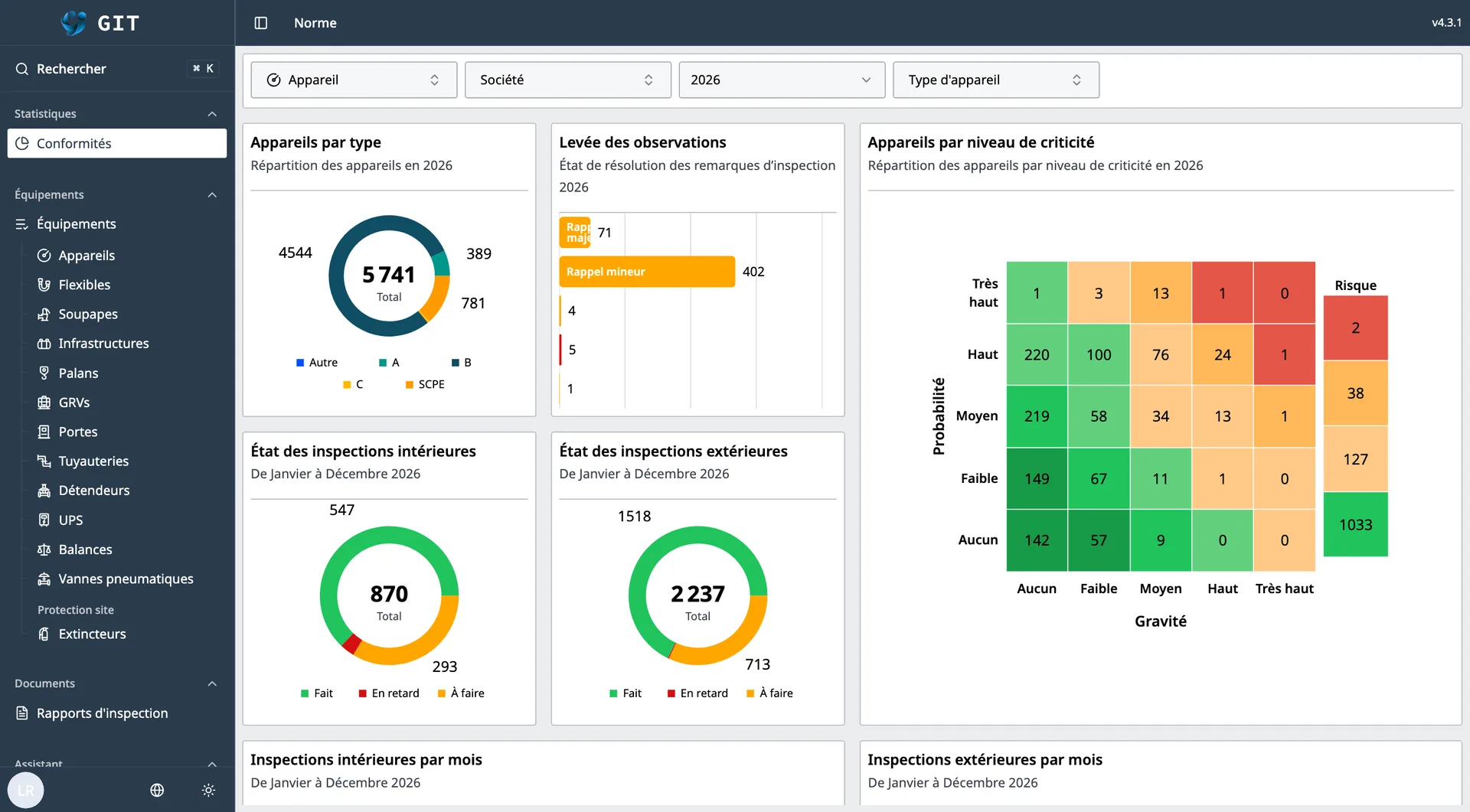
- Real-time multi-site dashboard
A multi-technology fleet, tracked in one tool
GIT covers all equipment subject to technical inspection — and remains extensible to your specific needs via an open library.
Pressure vessels
Tanks, balloons, heat exchangers
Hoses
All diameters and materials
Safety valves
Safety and regulation
Infrastructure
Underground tanks, separators, retention pits
Hoists & lifting
Winches, bridges, elevators
Bulk containers (IBC)
Large industrial containers
Pipework
Networks and process circuits
Doors
Fire-rated and technical doors
Pressure regulators
Pressure reduction & control
Pneumatic valves
Actuated process valves
Fire extinguishers
Lifespan and replacement
UPS units
Backup power supply
Weighing scales
Weighing instrument checks
Other equipment
Extensible library
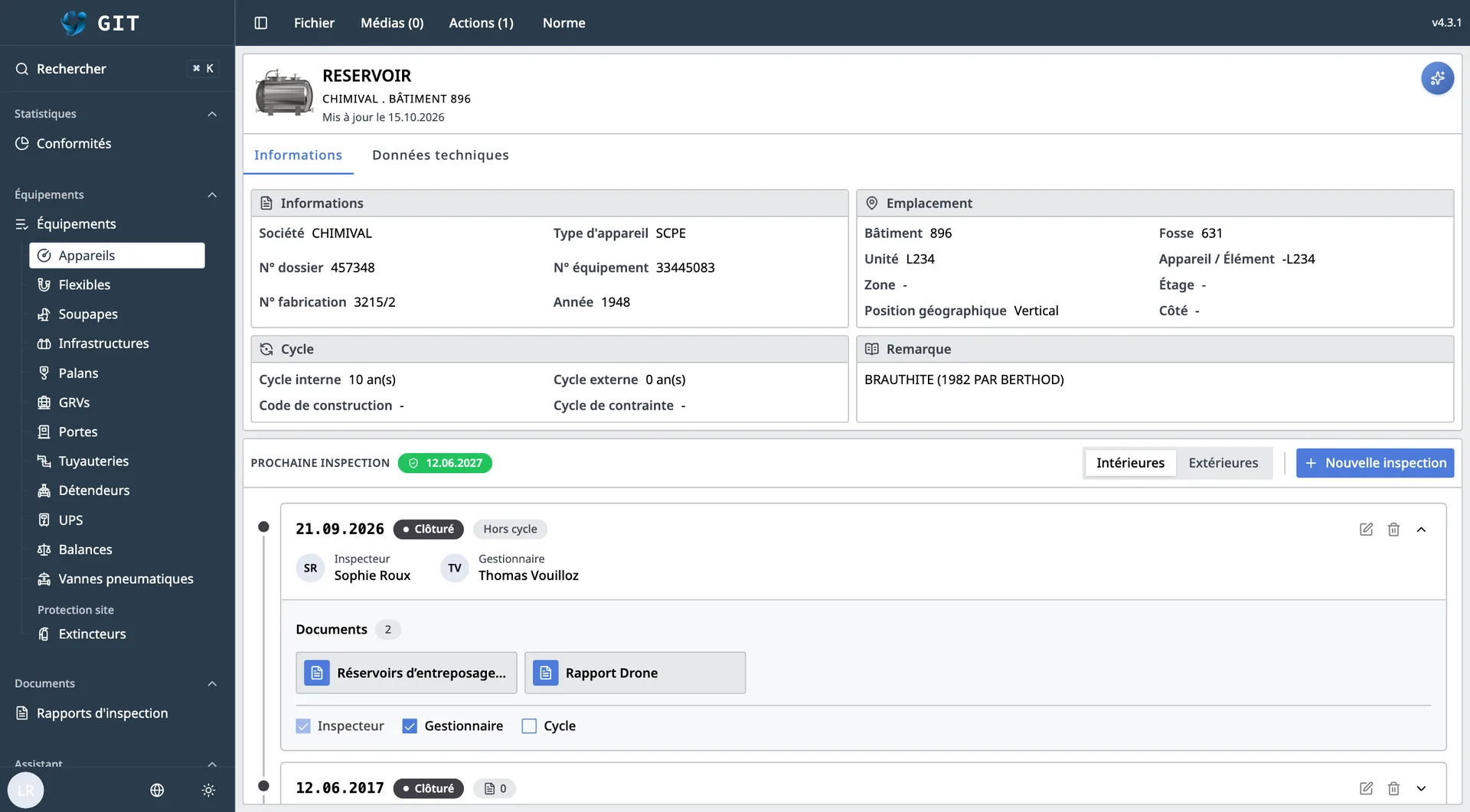
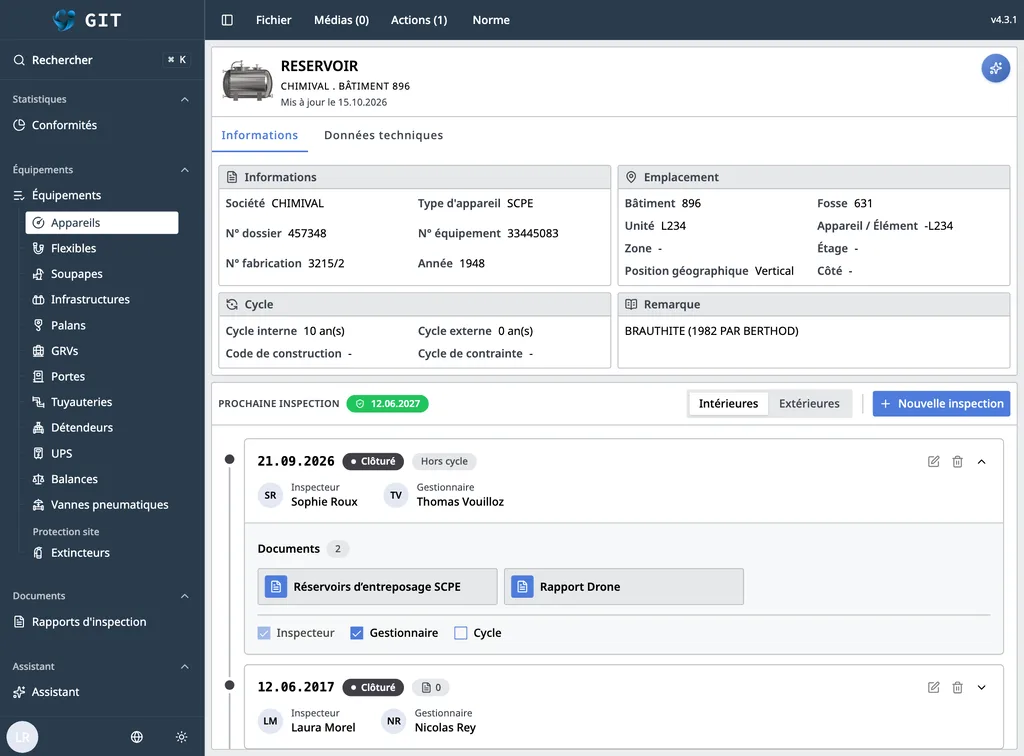
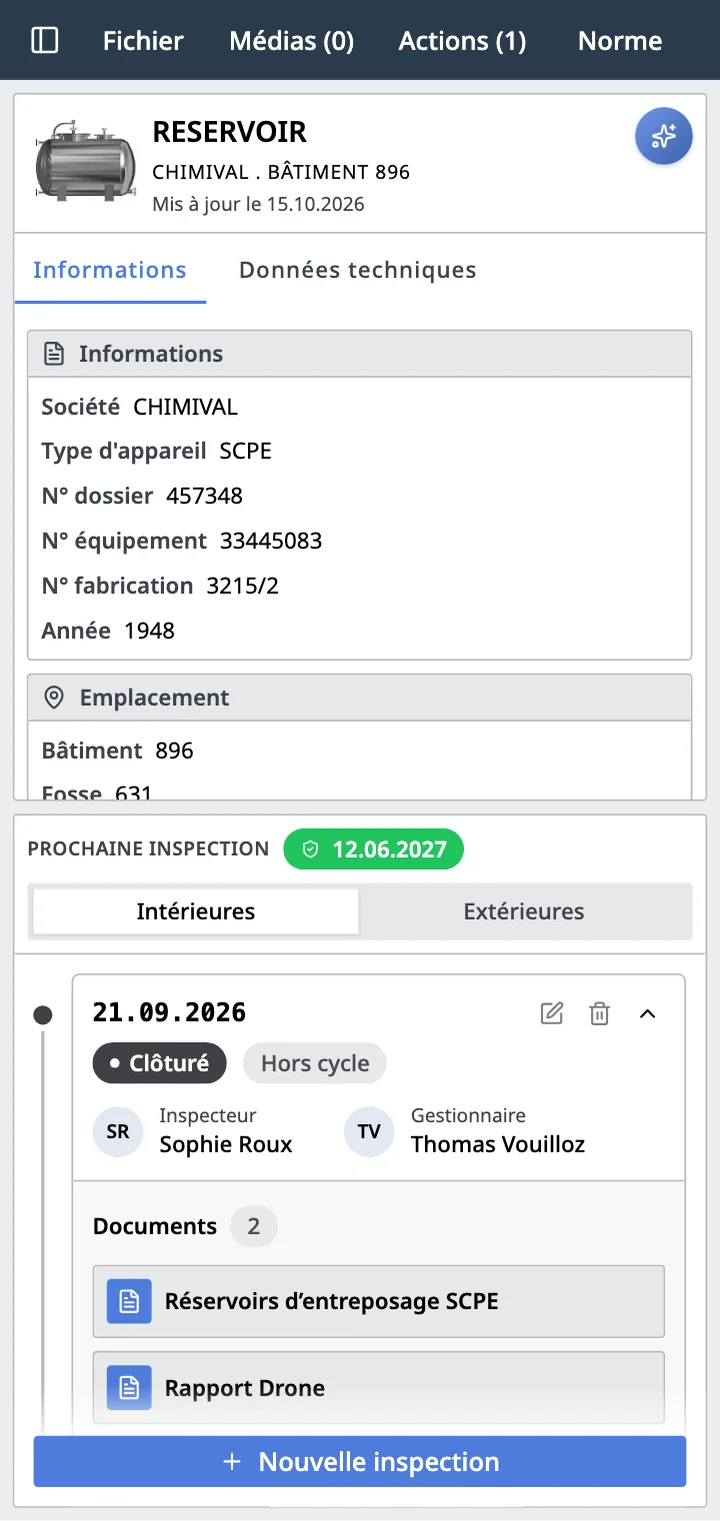
An interface designed for the field and the office
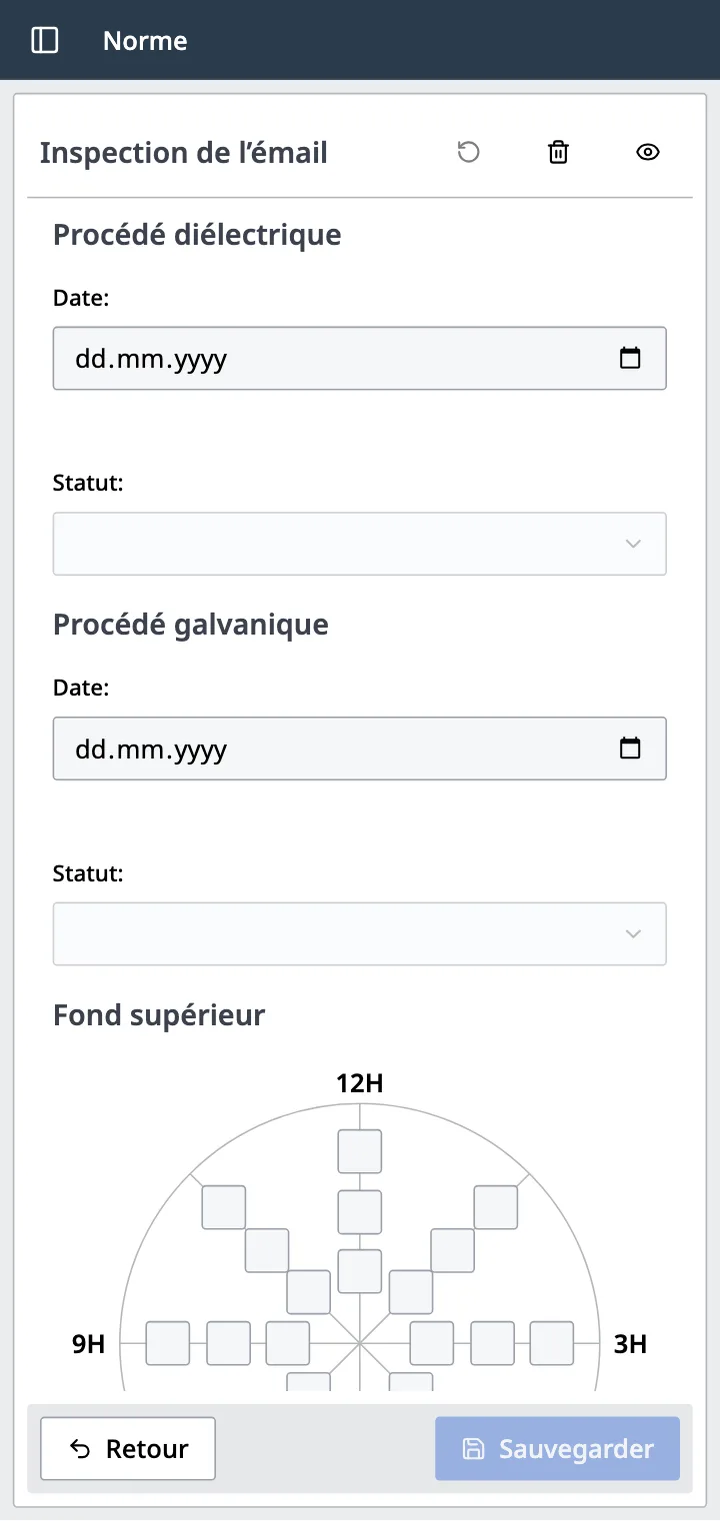
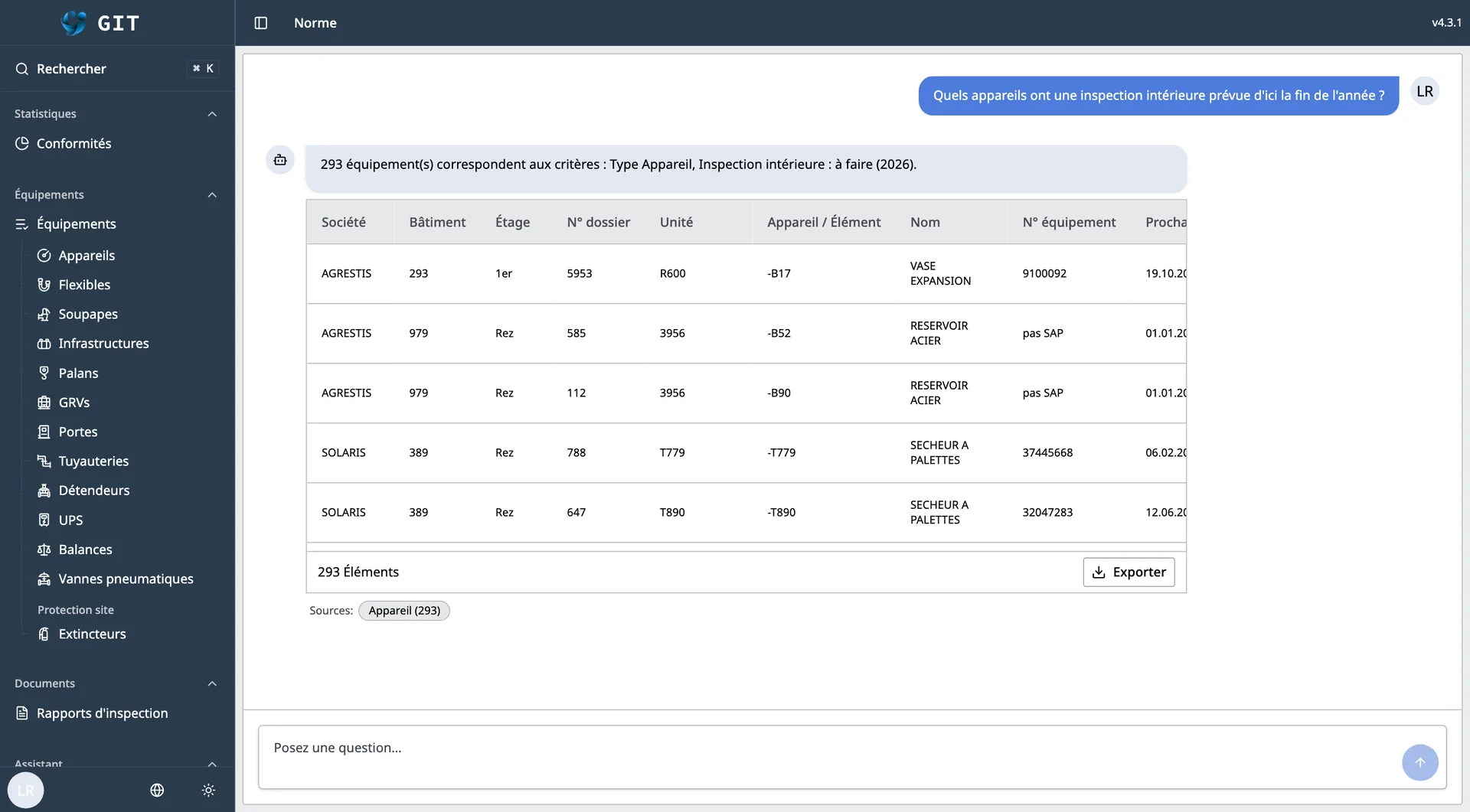
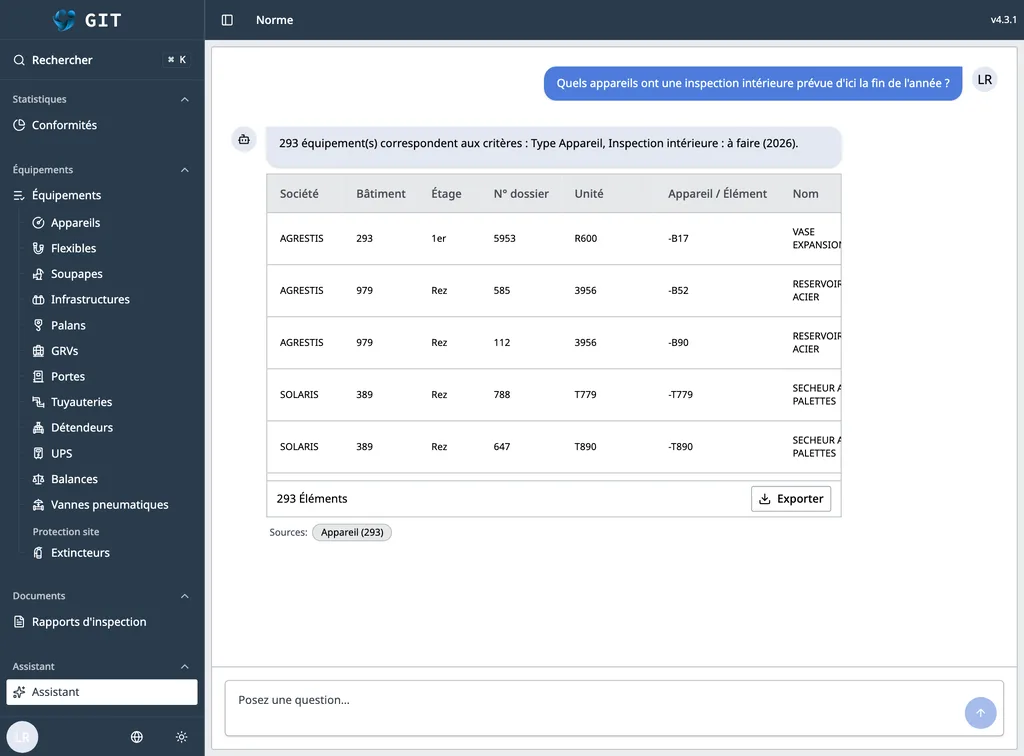
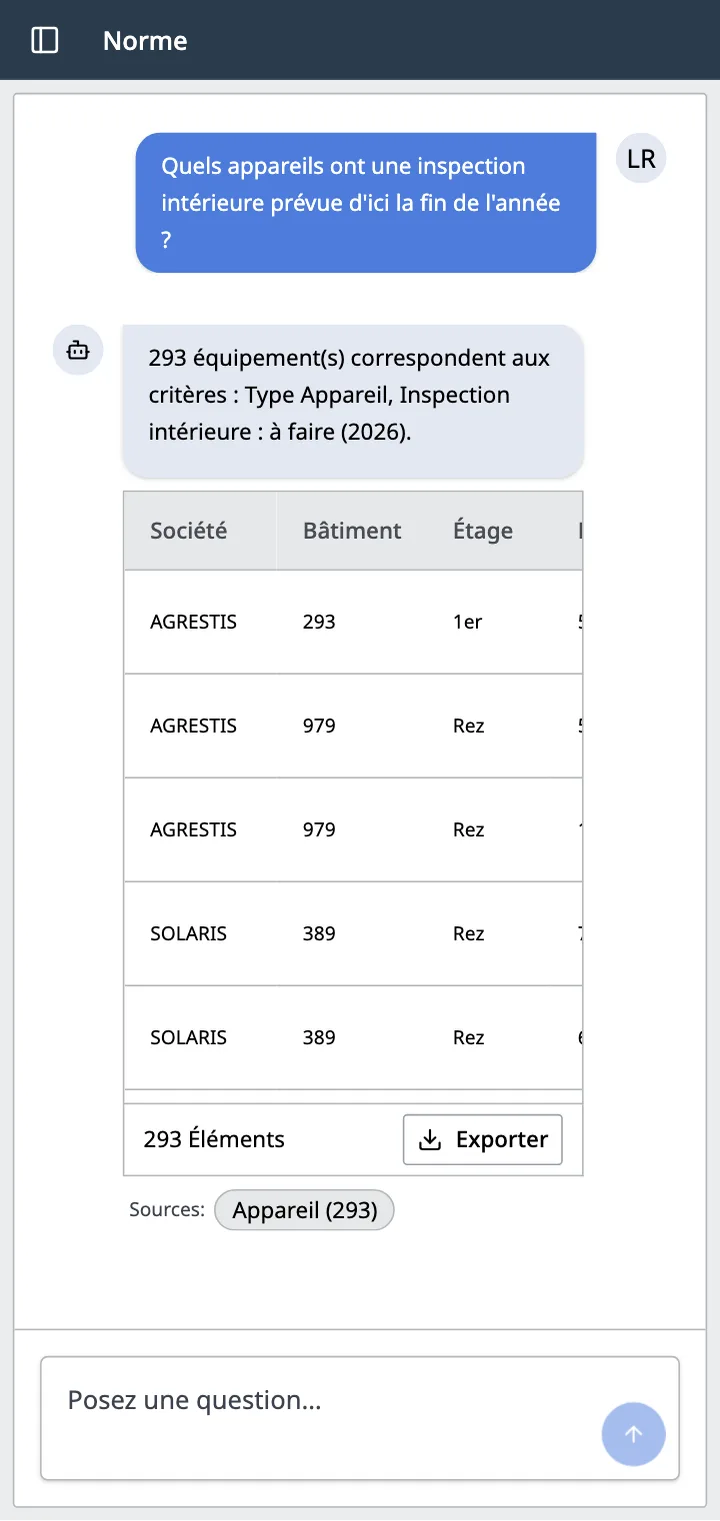
From equipment records to compliance dashboards, inspection forms, the AI assistant and stock — see GIT in action.
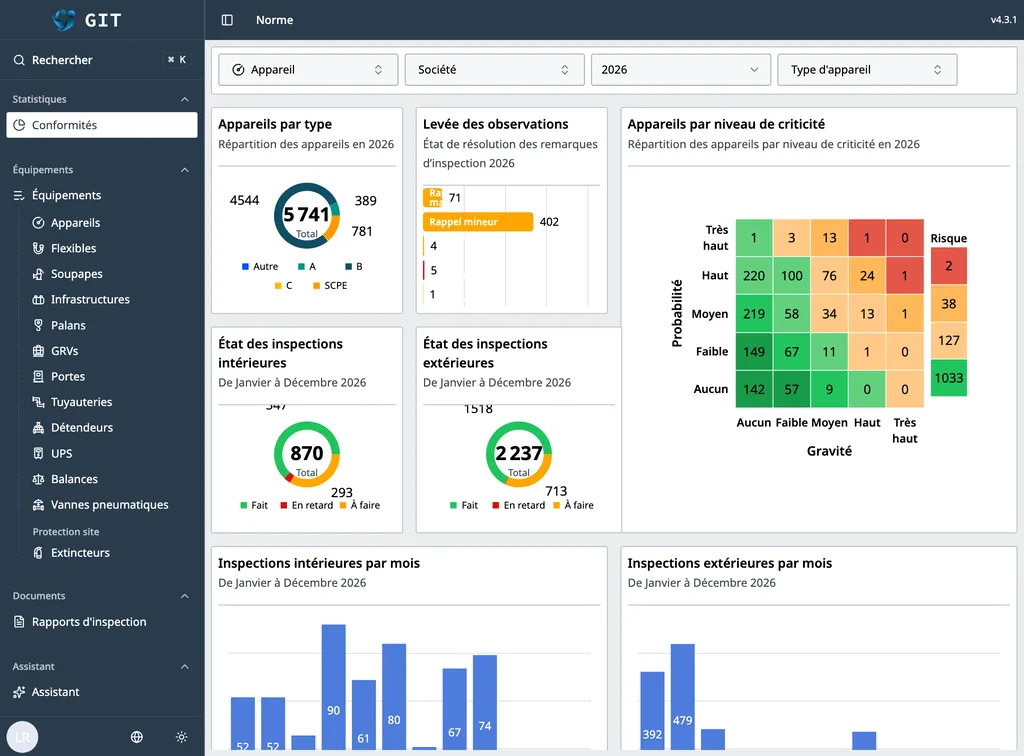
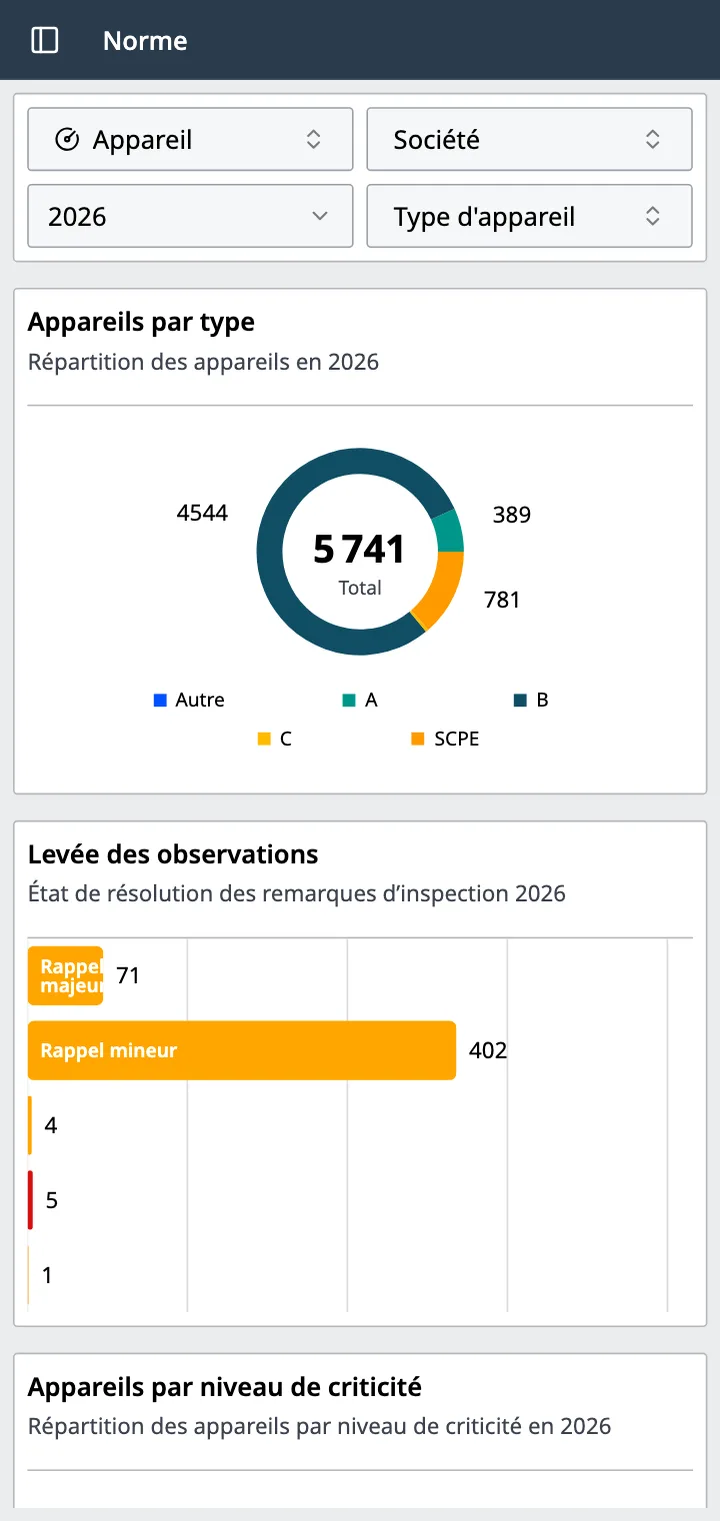
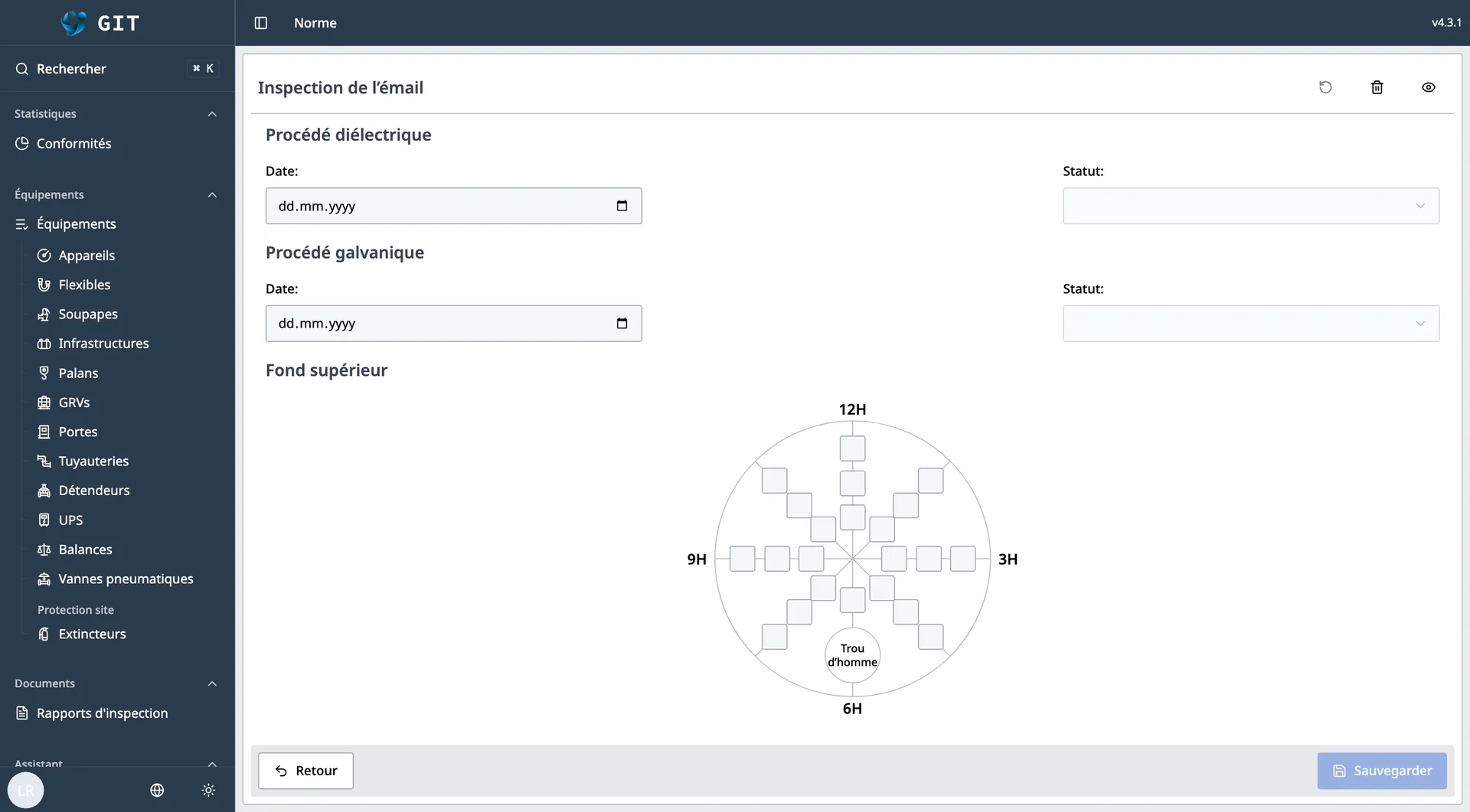
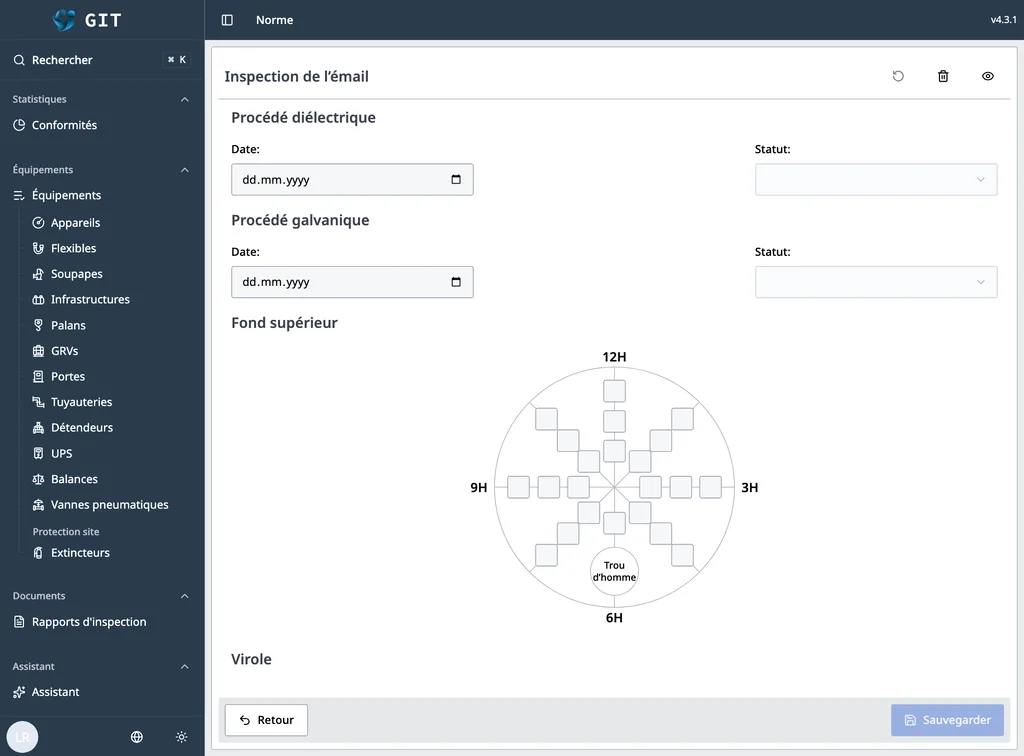
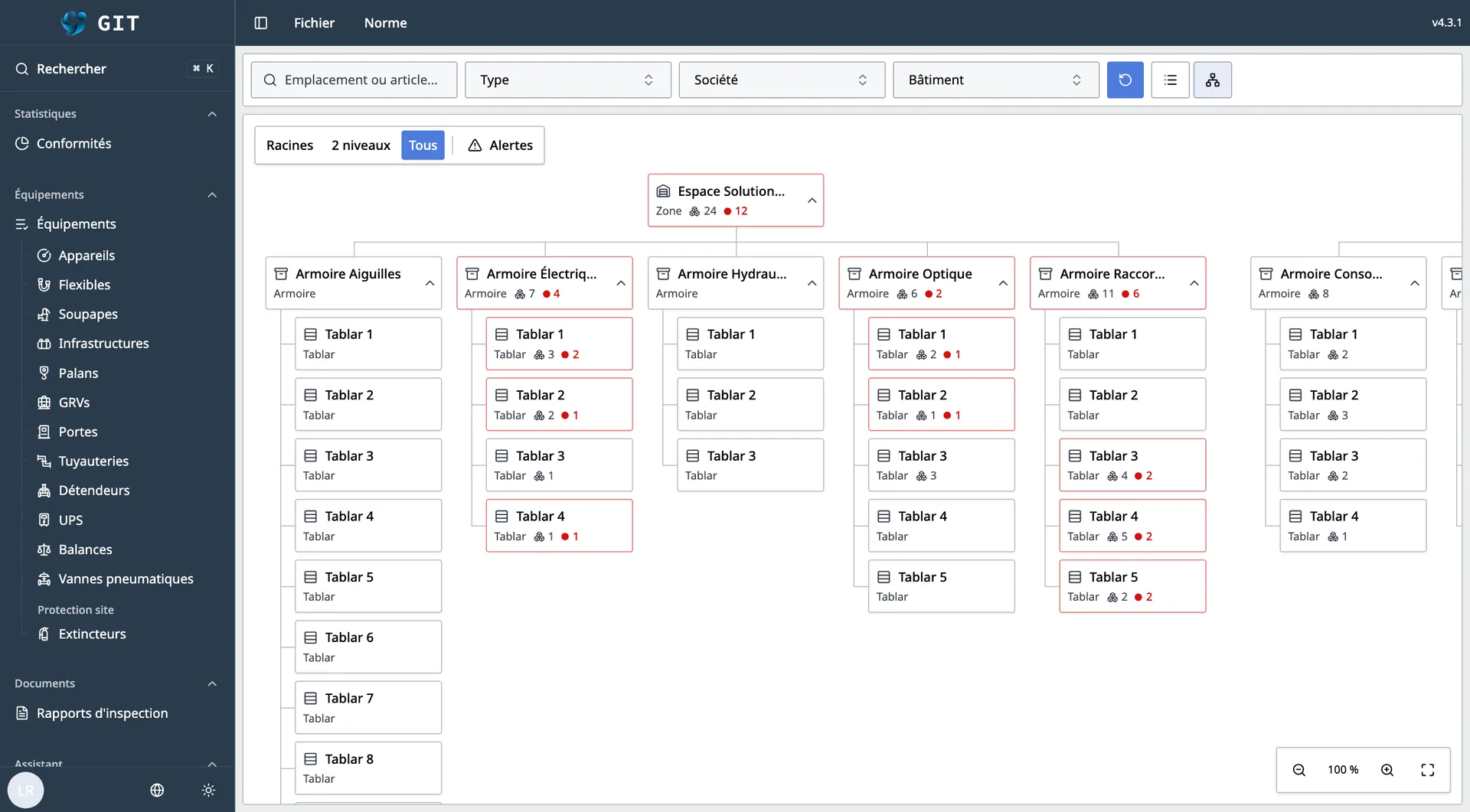
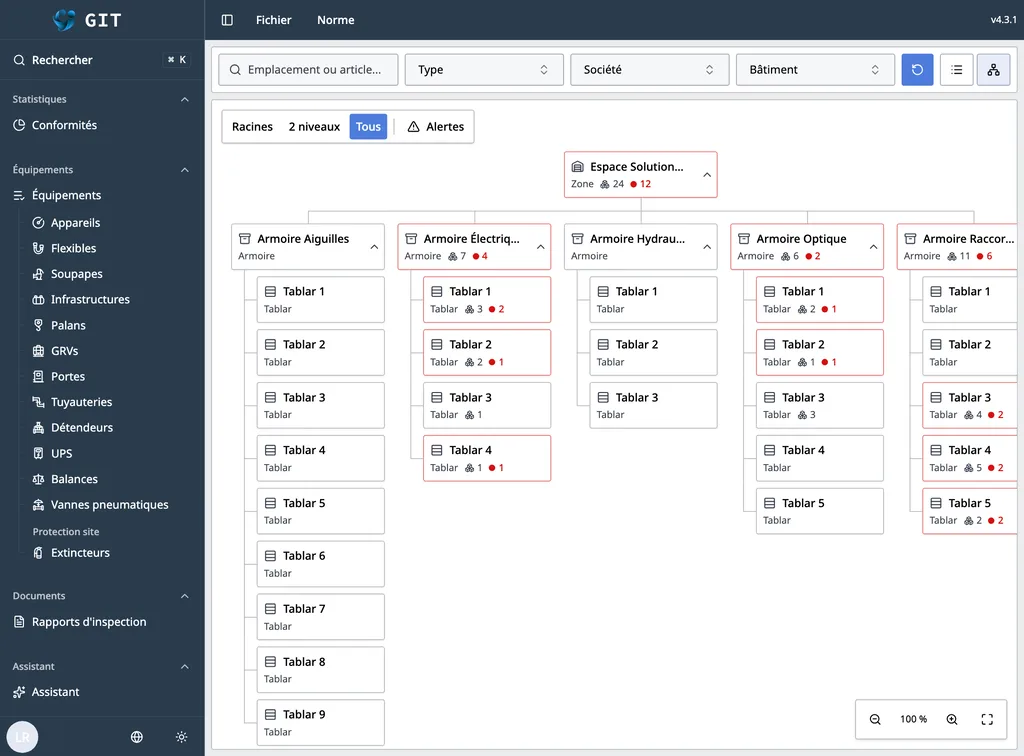
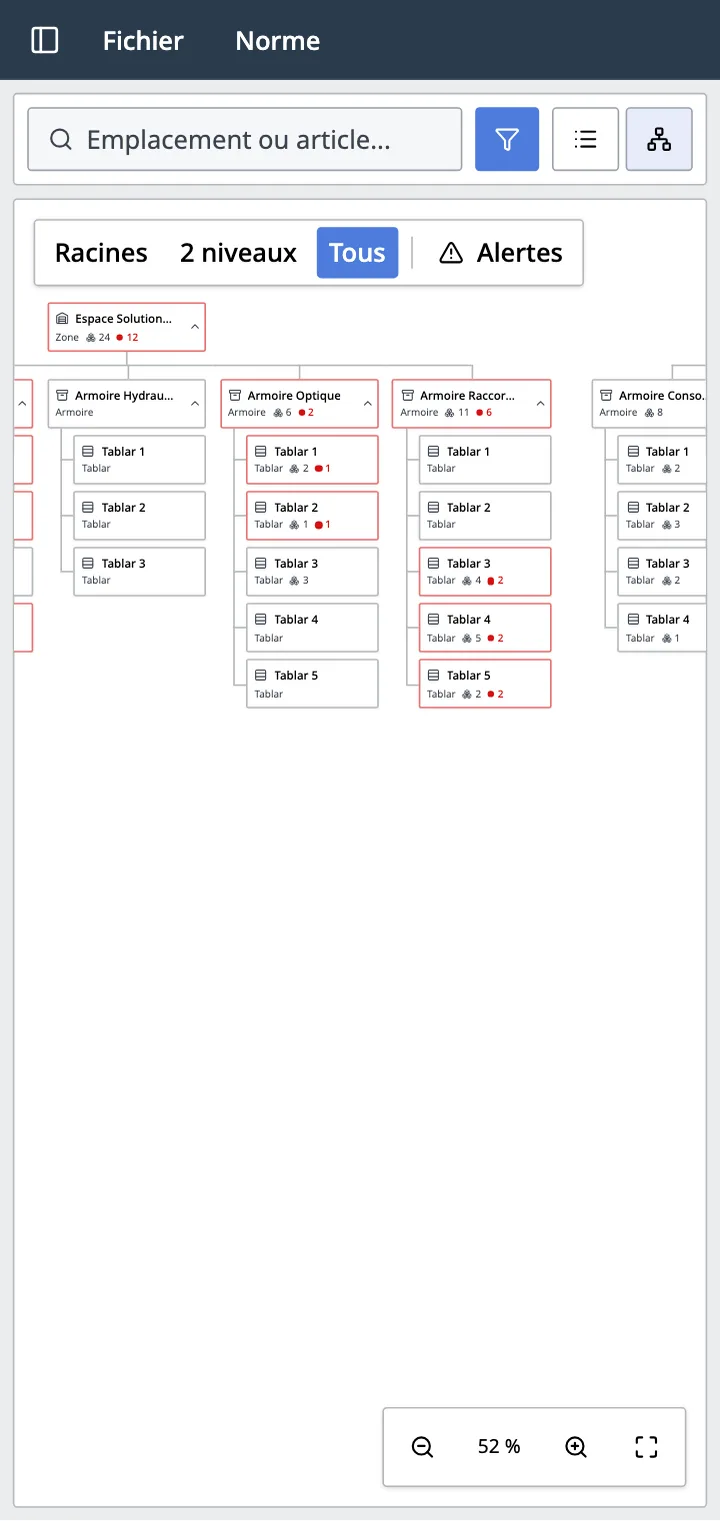
Everything you need, nothing you don't
GIT is designed for field teams and maintenance managers — easy to learn, powerful in production.
Complete equipment management
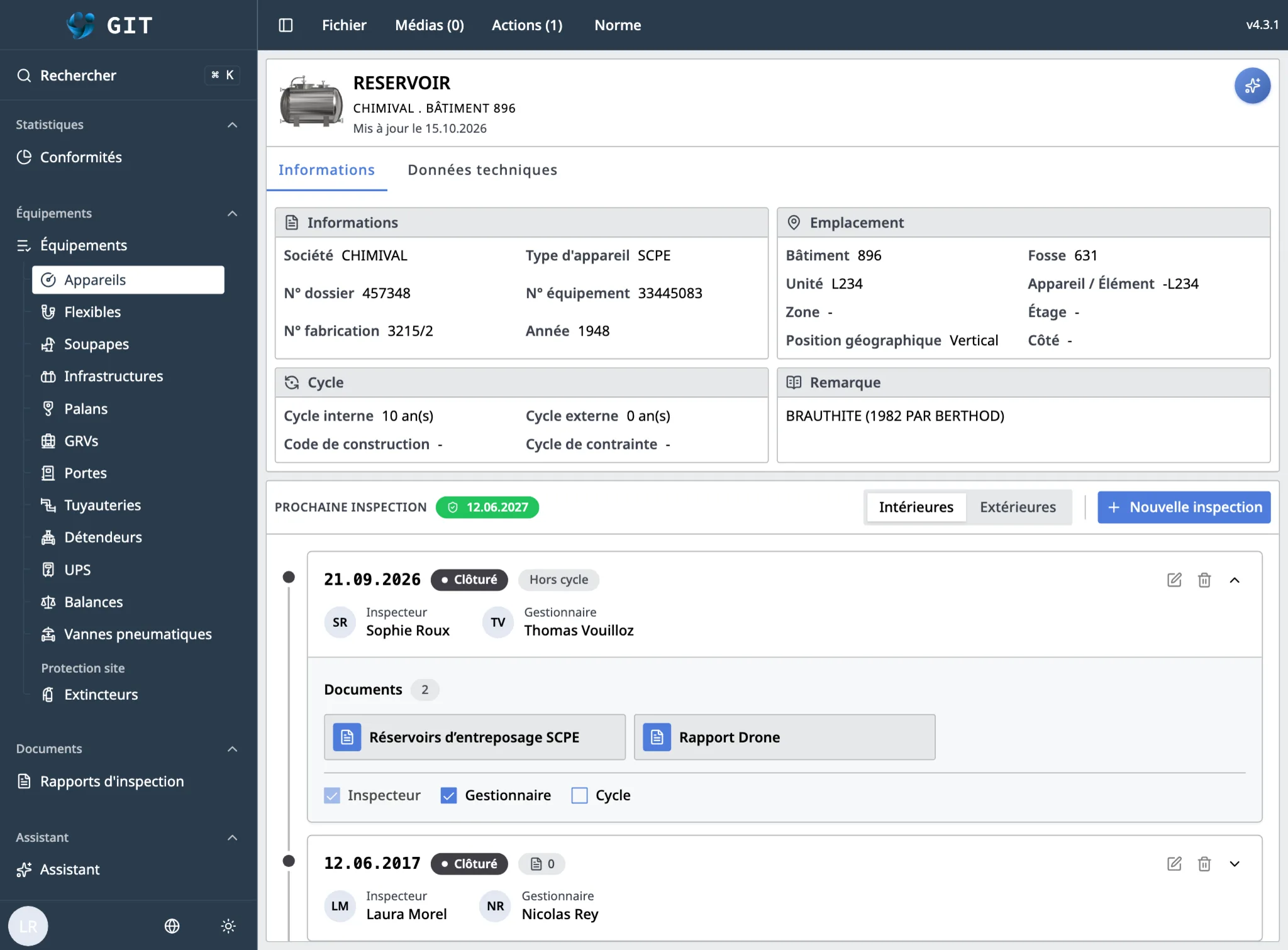
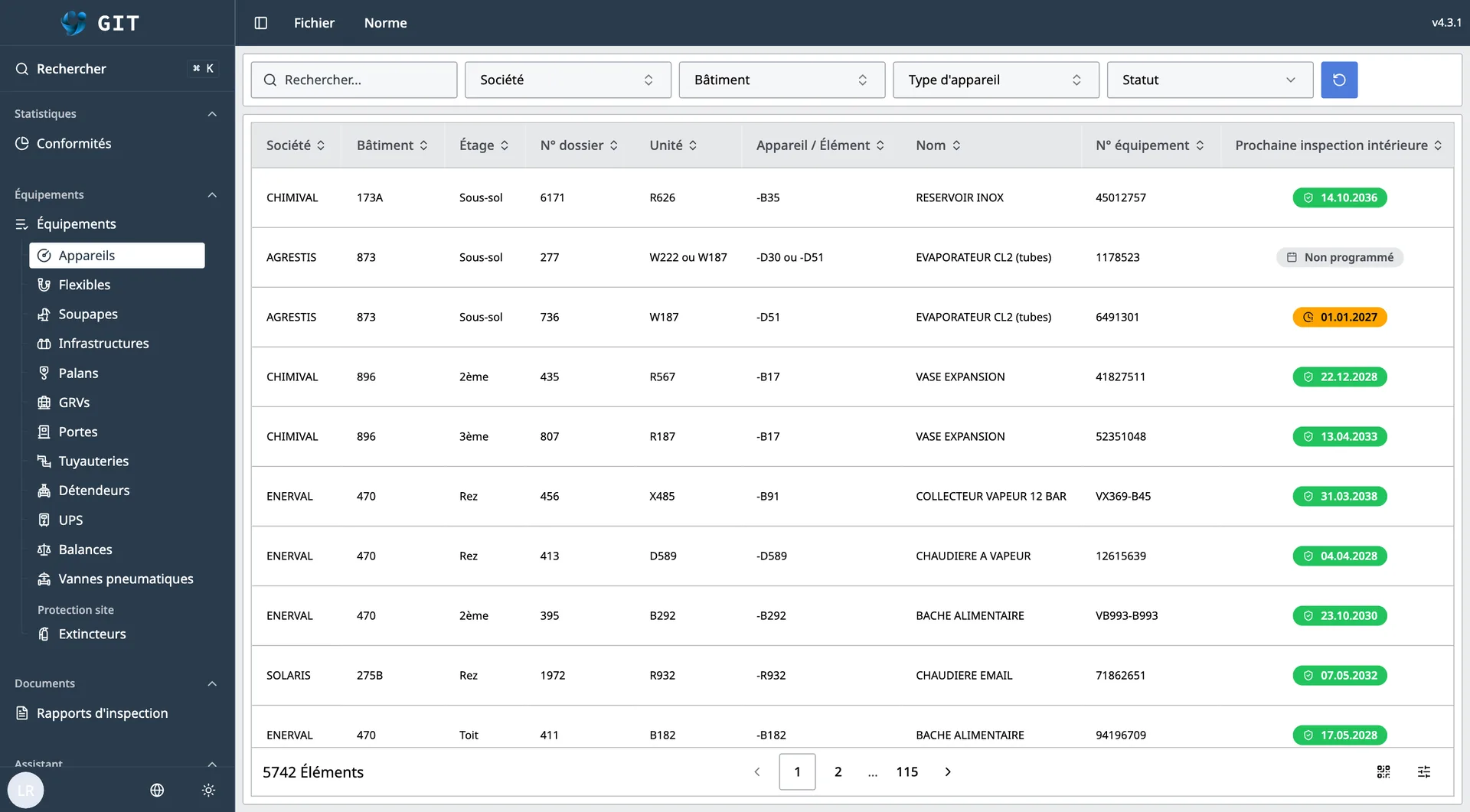
Pressure vessels, hoses, valves, fire extinguishers… each record brings together technical data, photos, documents and custom fields specific to your organisation.
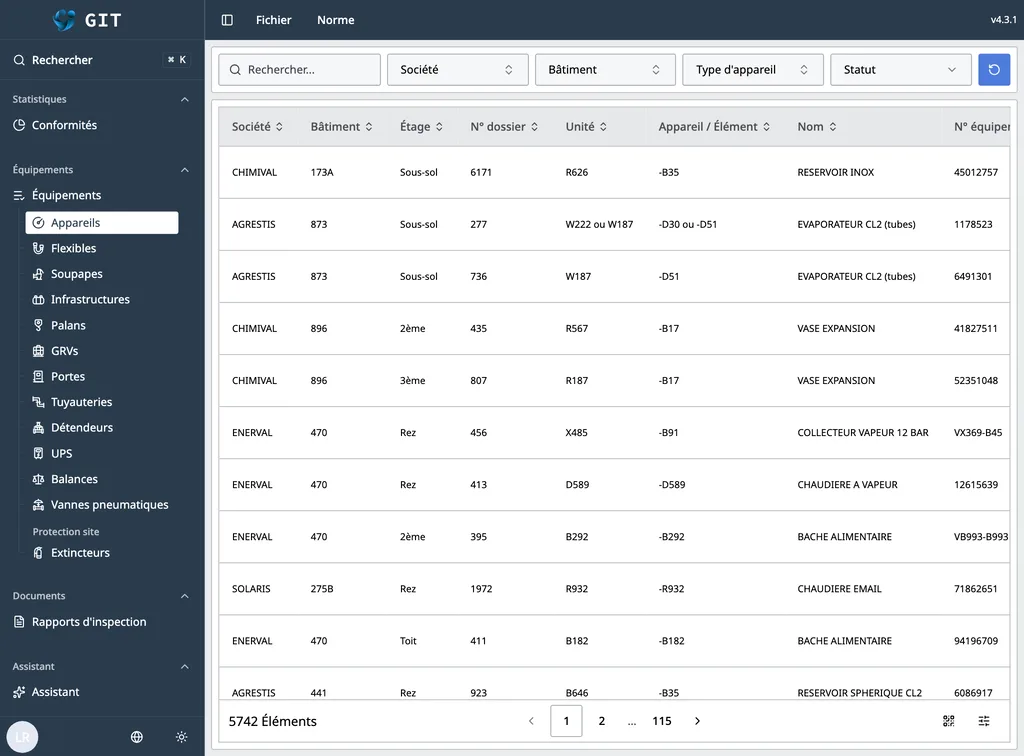
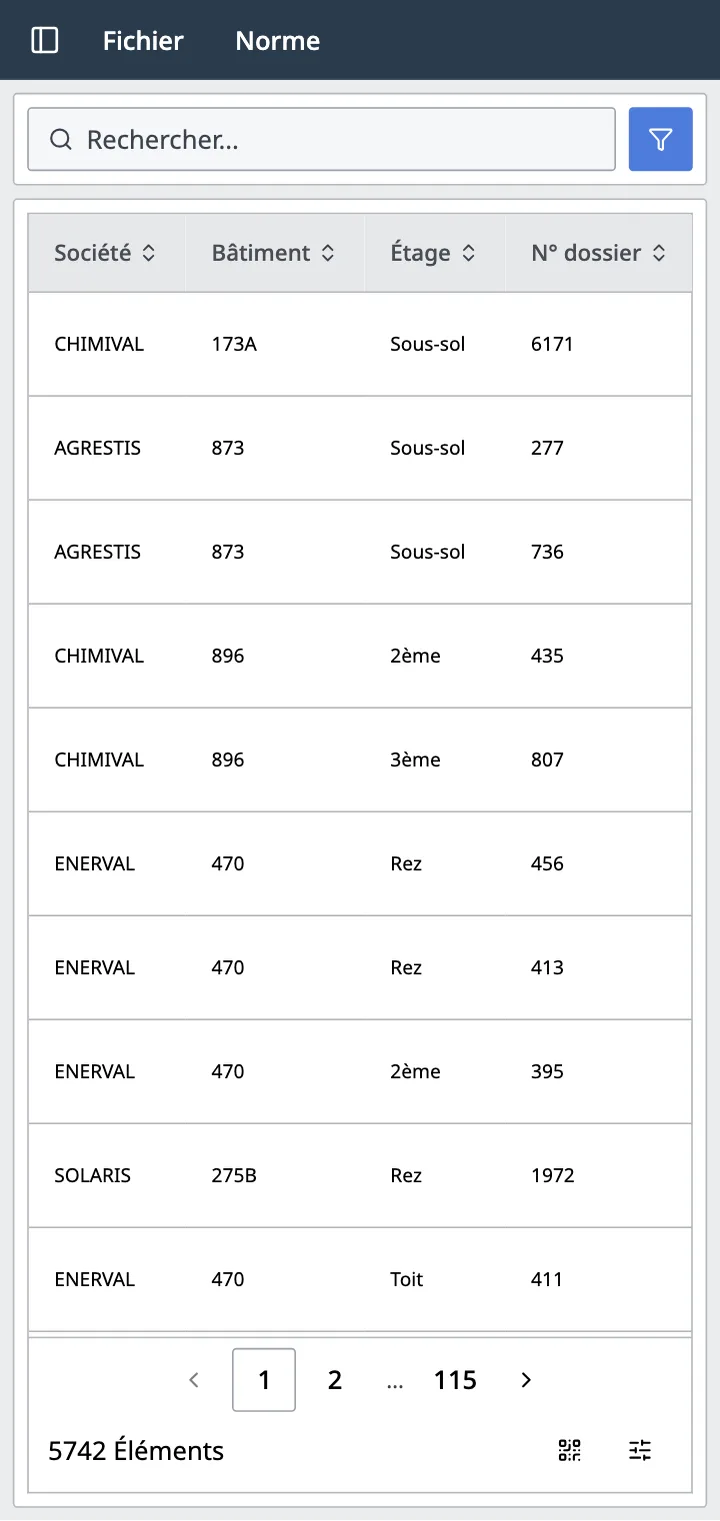
Filters & global search
Find any information in seconds using multi-criteria filters, the app-wide search or by scanning a QR code in the field.
Inspection history
Browse all past reports, track the evolution of any equipment and access a full timestamped history ready for audit.
Data export
Keep full control of your data with one-click PDF and CSV exports — no platform lock-in.
Requests & scheduling
Create inspection requests, assign them and schedule them in a multi-view calendar with drag-and-drop. Requesters follow each status and get an email on every change.
Customisable reports
Multiple report types per equipment (internal, external, enamel, ultrasonic…). Visual editor to build your own templates or use the built-in library.
Multi-participant forms
Design your own forms and have them filled in step by step by several participants, in a set order. Every template is versioned.
QR code labels
Print QR labels for your equipment and stock as PDF, PNG or CSV. A scan in the field brings up the right record instantly.
Standards & media library
Keep standards, photos and documents in organised folders, available from each piece of equipment, building or company.
Go further than inspections
Enable the modules your organisation needs. They share the same equipment repository, the same permissions and the same hosting.
AI assistant
NewAsk questions in plain language about your inspection reports, standards and technical sheets. The assistant answers with its sources and can also list equipment, inspections or stock.
- Sourced answers with direct access to documents
- Lists exportable as CSV
- Model hosted in Switzerland or on your infrastructure
- Role-based access, can be switched off at any time
Stock management
NewTrack your spare parts and consumables in the same tool as your equipment: items, locations, levels and movements.
- Stock in, stock out and movement history
- Storage locations shown on a plan
- Email threshold alerts and order tracking
- Statistics, catalogue and CSV exports
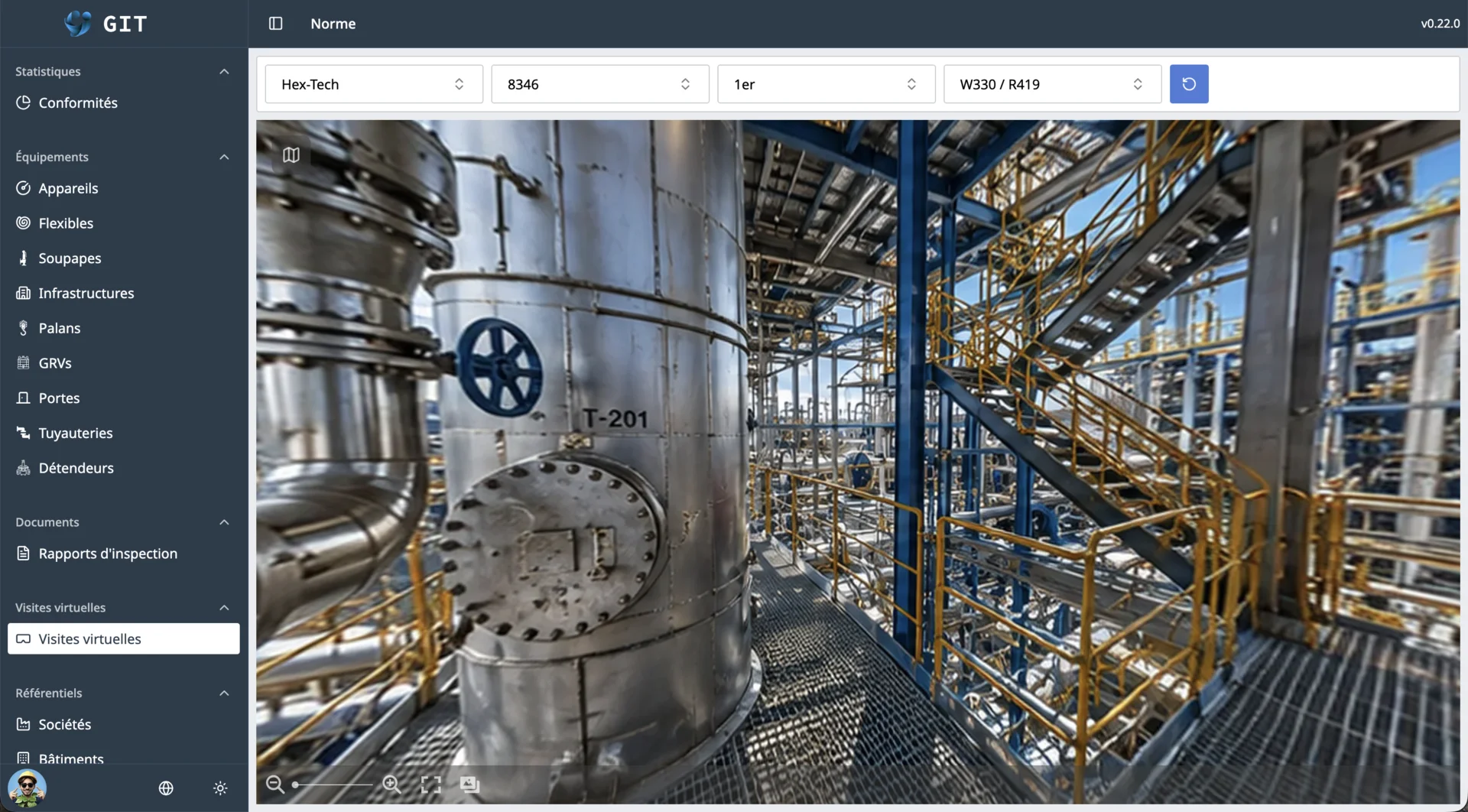
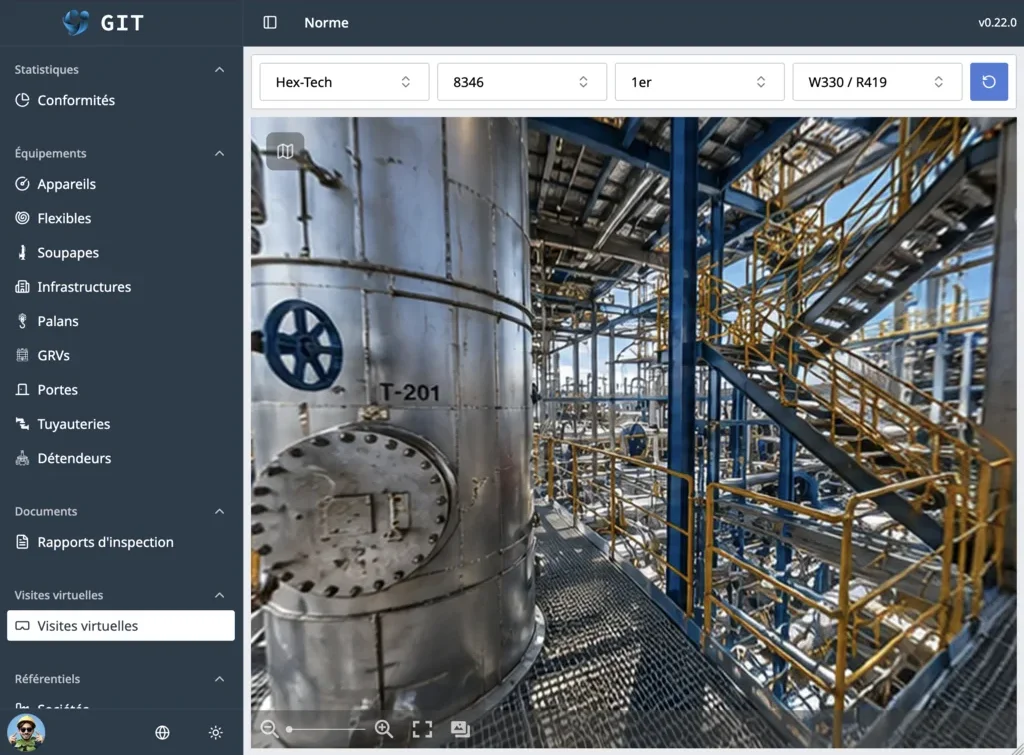
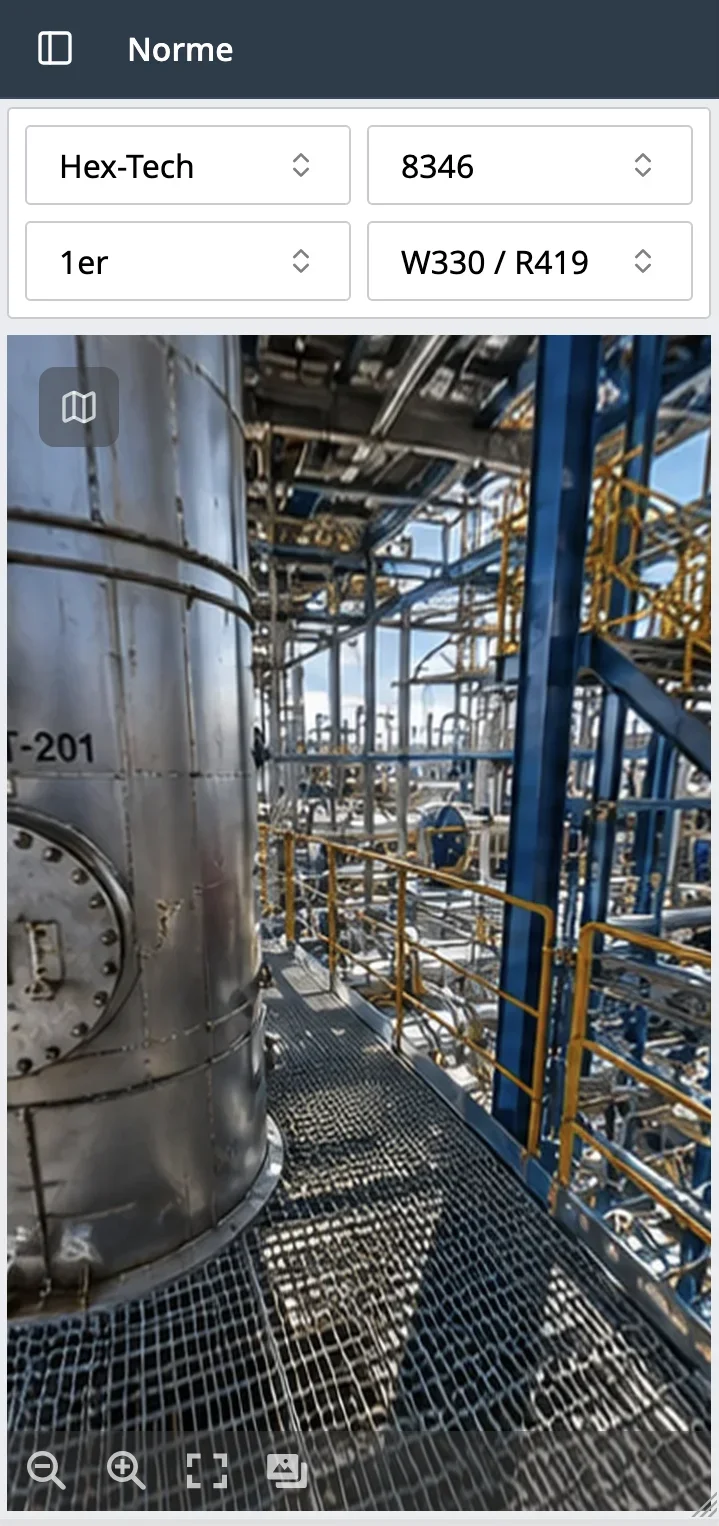
Walk through your facilities in 360° panoramas, locate each piece of equipment on the floor plan and add annotations (information, warning, danger).
Automatically sync your suppliers from Microsoft Dynamics 365 Business Central, with a connector that can be extended to other ERPs.
Hosted in Switzerland, built to last
Your data stays on Swiss soil. GIT can be deployed on your own infrastructure or hosted by a certified Swiss provider (e.g. Infomaniak).
Deploy GIT on your own infrastructure or with a certified Swiss hosting provider — your data never leaves the country.
Single sign-on with your Microsoft directory. Your team logs in with their corporate account via OpenID Connect.
Installable on desktop, mobile and tablet without going through an app store. Launches full screen from the home screen, just like a native app.
Read, enter, validate, administer — define precisely what each user can see and modify.
Every action is timestamped and traceable: access, equipment changes, inspection validations — log retained for 2 years, ready for any audit.
Manage multiple buildings, companies and entities from a single account. Data isolation per perimeter guaranteed.
A quote tailored to your fleet
No per-head licensing: we build a custom proposal based on your actual scope. Scoping, fleet import, training and go-live are included in the onboarding.
Get a quoteThey trust us

CIMO — Compagnie industrielle de Monthey SA
Founded in Switzerland in 1997, CIMO brings together more than 450 employees across 80 specialist trades. The company is active in energy production and distribution, waste processing, technical maintenance, engineering, automation, health & safety, environment, laboratory services and occupational medicine.
CIMO trusts GIT to manage its equipment. Today, nearly 200 users rely on the platform every day to track and control their installations.
Visit CIMO websiteFrequently asked questions
Still have questions? Contact us — we reply within 24 hours.
Pricing is tailored to your asset base size, number of sites, and active modules. Contact us to receive a personalised quote within 24 hours.
Yes. GIT handles the inspection cycles and deadlines set out in the CFST 6516 (pressure equipment) and 6512 (work equipment, including lifting equipment) directives. Inspection cycles and settings remain adjustable to your internal procedures.
Yes. We handle the import of your existing Excel and CSV files during onboarding. Your equipment and inspection history is preserved without any manual re-entry.
We recommend deploying GIT directly on your own infrastructure so your data stays entirely with you. A managed hosting option in Switzerland is also available on request.
GIT natively covers pressure vessels, pipework, safety valves, pneumatic valves, pressure regulators, hoses, hoists, IBCs, doors, infrastructure, fire extinguishers, UPS units and weighing scales. Every record accepts custom fields, and new equipment types can be added on request.
Yes. Report templates are provided for each equipment type, and a form editor lets you create your own documents, versioned and generated as PDF.
The assistant relies only on your own data: validated inspection reports, standards, technical sheets and equipment documents. The language model can be hosted in Switzerland or directly on your infrastructure, each user only reaches the documents their role allows, and the module can be switched off entirely.
Yes, with the Stock module: items and categories, storage locations, levels, movements and orders. Email alerts warn you when an item falls below its threshold, and every item can be labelled with a QR code.
GIT is multi-platform: PC (Windows, macOS, Linux) and field use (Android/iOS) via browser. It can be installed as an app (PWA) on any device without going through a store.
Granular roles are available: read, input, validation, and administration. Access can be restricted by site, equipment type, or action — suitable for small teams and multi-site organisations alike.
No. GIT is offered with no minimum commitment. You remain free, and all your data can be exported at any time as PDF and CSV.
Full onboarding is included: needs assessment, import of your existing data, inspection cycle configuration, and user training. A standard deployment is up and running within 1 to 2 weeks.
Let's talk about your project
A question, need more information or want to see the solution in action? Reach out to book a personalised 30-minute demo.
- Email email address
- Location Switzerland
- Availability Mon – Fri, 9 am – 6 pm